Strategy Pack
First, what are Strategies?
A strategy is a piece of JavaScript code that runs when you open a page that is configured to use it to generate dashboards and views. They make it easy to create auto-populated dashboards with minimal configuration!
You no longer need to painstakingly specify and order every entity and card on your Dashboard with thousands of lines of YAML!
For more details, refer to the Home Assistant Documentation.
What does Strategy Pack do?
It provides a multiple of these Strategies for different use-cases!
Some create single Views while others create whole Dashboards! Click the links to find out what that means.
I added these strategies because I found a strong need for them during my personal Home Assistant journey.
I look forward to adding more. Feel free to suggest new strategies or even create your own and submit a pull request!
Nice-looking Dashboard and all, but what’s special about this?
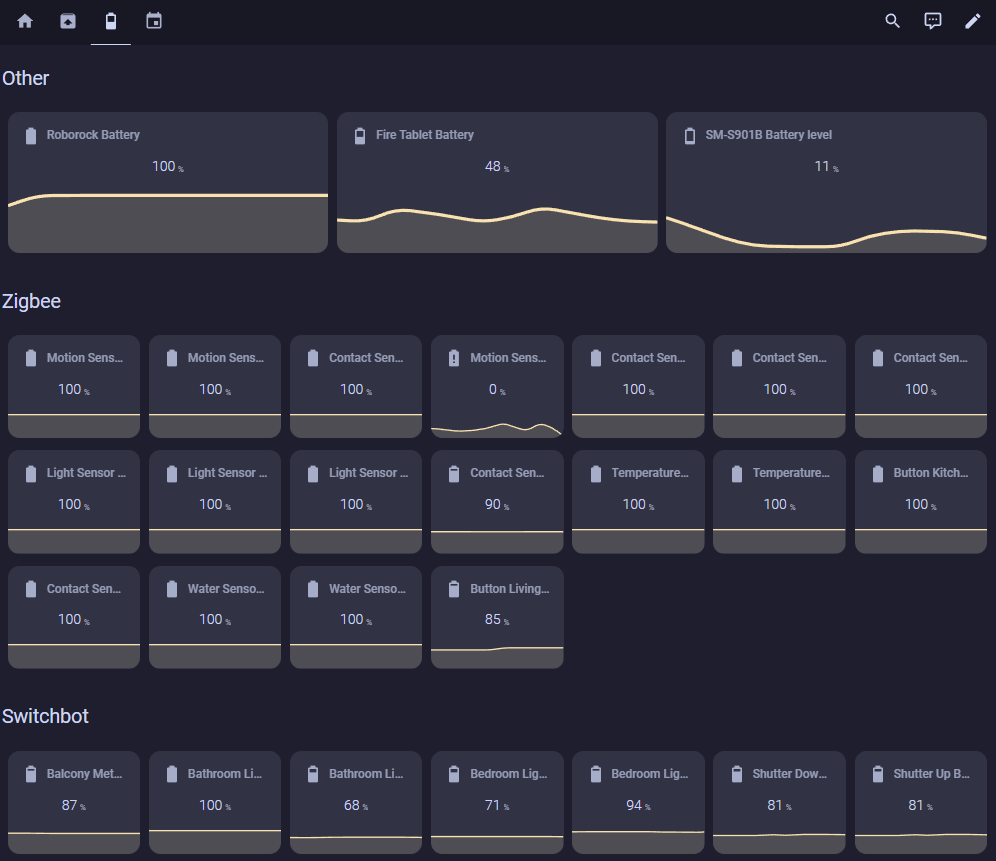
The clue is that a Strategy auto-generates your views/dashboard based on a config. This means you do not need to manually list every entity and card.
You can just let the Strategy work its magic with some few lines of YAML configuration or in some Strategies even no configuration at all!
And if you don’t like what you get in your Dashboard just read the detailed configuration documenation for every Strategy giving you the ability to customize next to everything!
| The minimal configuration... | ... and the impressive result! |
|---|---|
views:
  - title: Battery
    icon: mdi:battery-50
    path: battery
    strategy:
      type: custom:grid-view-strategy
      config:
        global:
          card:
            type: custom:mini-graph-card
            entities:
              - $entity
          filter:
            include:
              - type: domain
                value: sensor
              - type: attribute
                config:
                  key: device_class
                value: battery
        grids:
          - id: other
            title: Others
            filter:
              exclude:
                - type: integration
                  comparator: in
                  value:
                    - mqtt
                    - switchbot
                    - xiaomi_ble
          - id: zigbee
            title: Zigbee
            filter:
              include:
                - type: integration
                  value: mqtt
          - id: switchbot
            title: Switchbot
            filter:
              include:
                - type: integration
                  value: switchbot
          - id: plant
            title: Plant Sensor
            filter:
              include:
                - type: integration
                  value: xiaomi_ble
|
 |
It looks like it needs a whole lot of space on the screen. Do I need a second Dashboard for my phone?
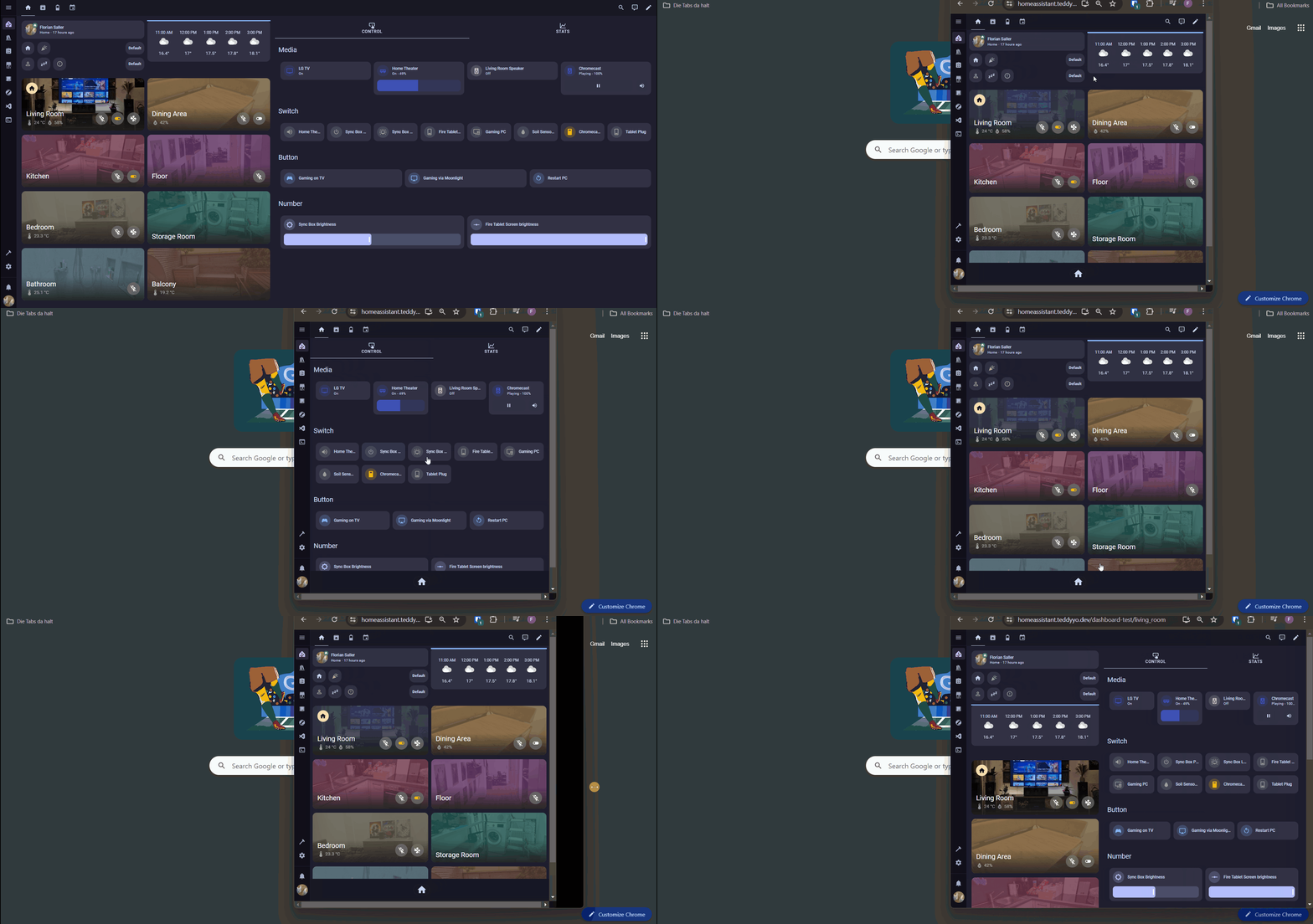
The Strategies are all fully responsive, meaning you can use all of them on Tablets and Phones as well! That`s just what i do!
Example of Responsiveness with Area Dashboard Strategy: